Docker Networking

Docker networking refers to the way Docker containers communicate with each other and with other network resources. Docker provides several networking options to facilitate communication between containers, between containers and the host system, and between containers and external networks. Some common Docker networking concepts and features include
create Ec2 Instance and connect it through SSH key-pair using below Command
ssh -i path/.Pem file ubuntu@PublicIp Address

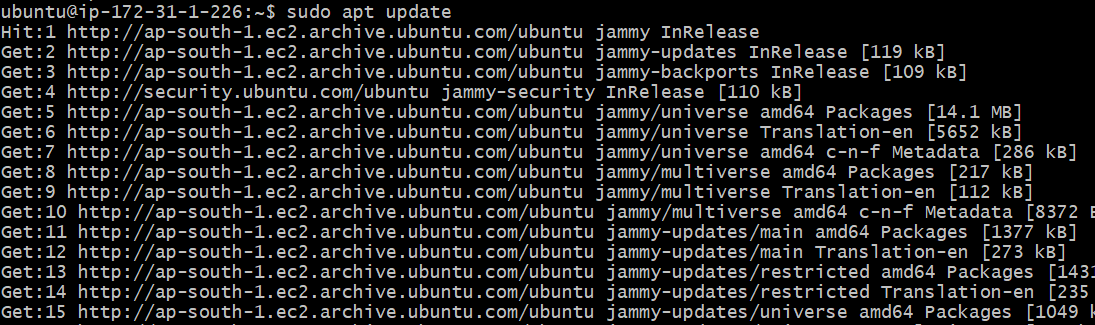
Now Update the server using below command
sudo apt update
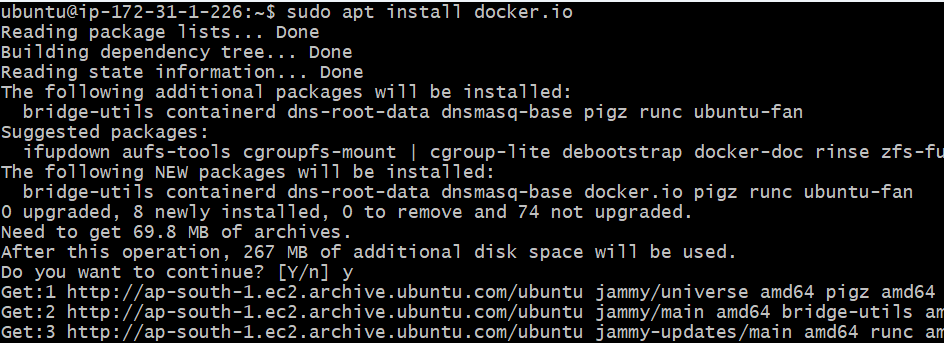
To install docker on ec2- instance using below command
sudo apt install docker.io
to check the docker version using below command
docker --version

after installing the docker we need to give permission to access the docker daemon socket like /var/run/docker.sock which is required for the communicating with Docker Engine.

to resolve the issue, you used this command sudo chown $USER /var/run/docker.sock

to change the ownership of Docker socket file to the current user. By doing this you grant the current user permission to access the docker daemon socket.
After changing the ownership of the Docker socket yow were able to run docker ps

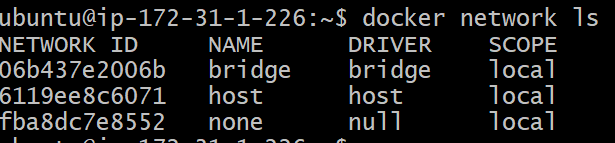
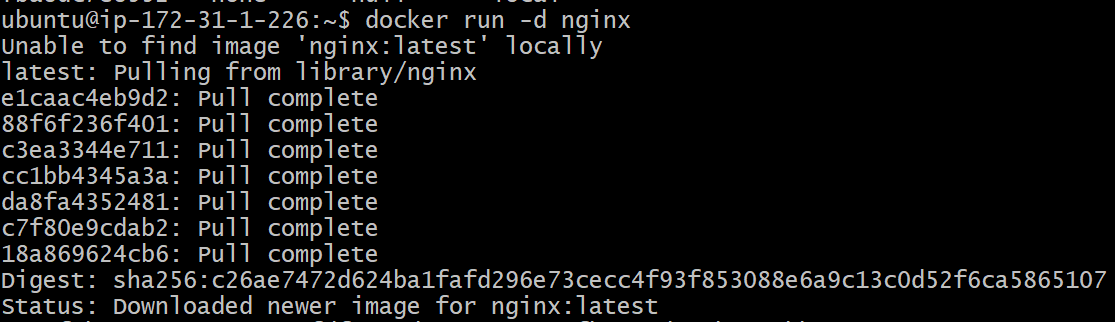



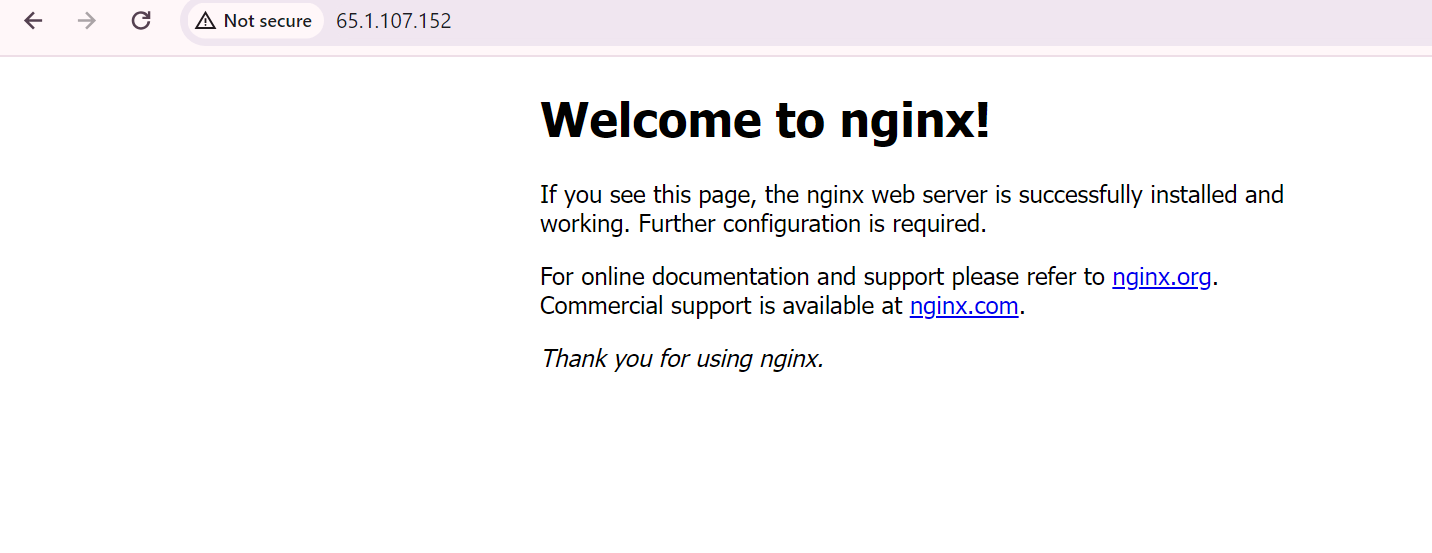
The docker by default supports 5 networking modes
bridge network
host
overlay
McVlan
none
Host Networking:-
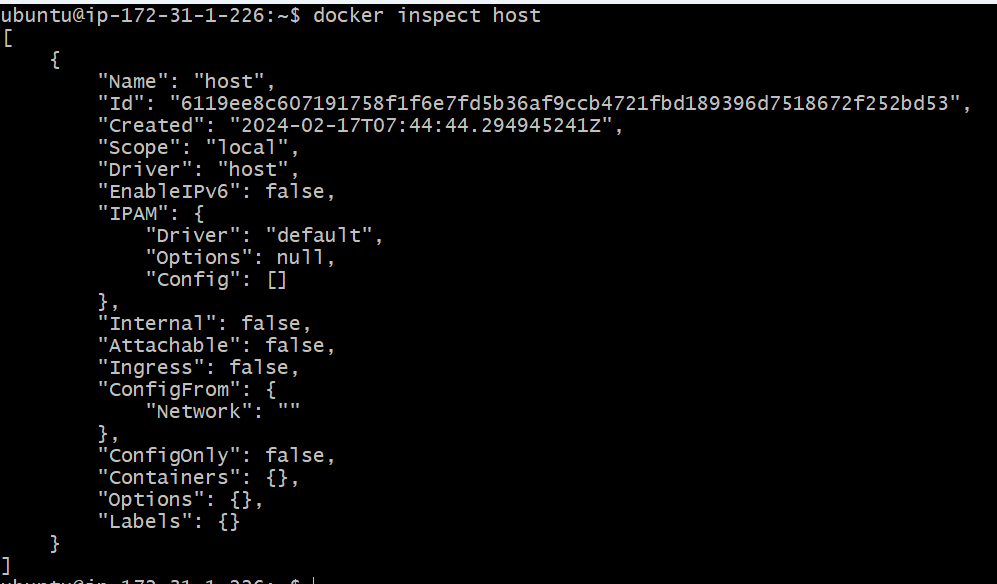
There is only one host network per docker engine will be created. when we launch the container on host network, the container will be running on the network of the host directly. The host and container can communicate directly with each other. when we use host network we don't need port forwarding to make the containerized application accessible to the host.

2.Custom Bridge Network :-
Users can create custom bridge networks with specific configurations using Docker commands or Docker Compose.
This allows containers to communicate with each other on the same network. Users can specify the subnet, gateway, IP range, and other settings for the custom bridge network.
How to create our own bridge network?
docker network create bridgeName

docker network rm bridgeName

docker network connect bridgeName containerName

docker network disconnect bridgeName containerName

docker network ls
3.Overlay Network:-
using the overlay network we can make a container running on one workstation to communicate with another container that is running on a different workstation.
docker network create --driver overlay my-overlay-network
4.Mcvlan Network:-
allows you to attach mac address to an docker container, appearing it as physical network adapter. The docker engine uses the mac address to route the requests.
Each container connected to a Macvlan network can have its own IP address on the external network
5. None Network :-
The none network mode disables all networking for the container.
run the container without network.
Thank you for taking the time to read this article. I hope you found it informative and helpful 😊
Follow me on LinkedIn to see interesting posts like this : )